Start with the Windows game on Steam
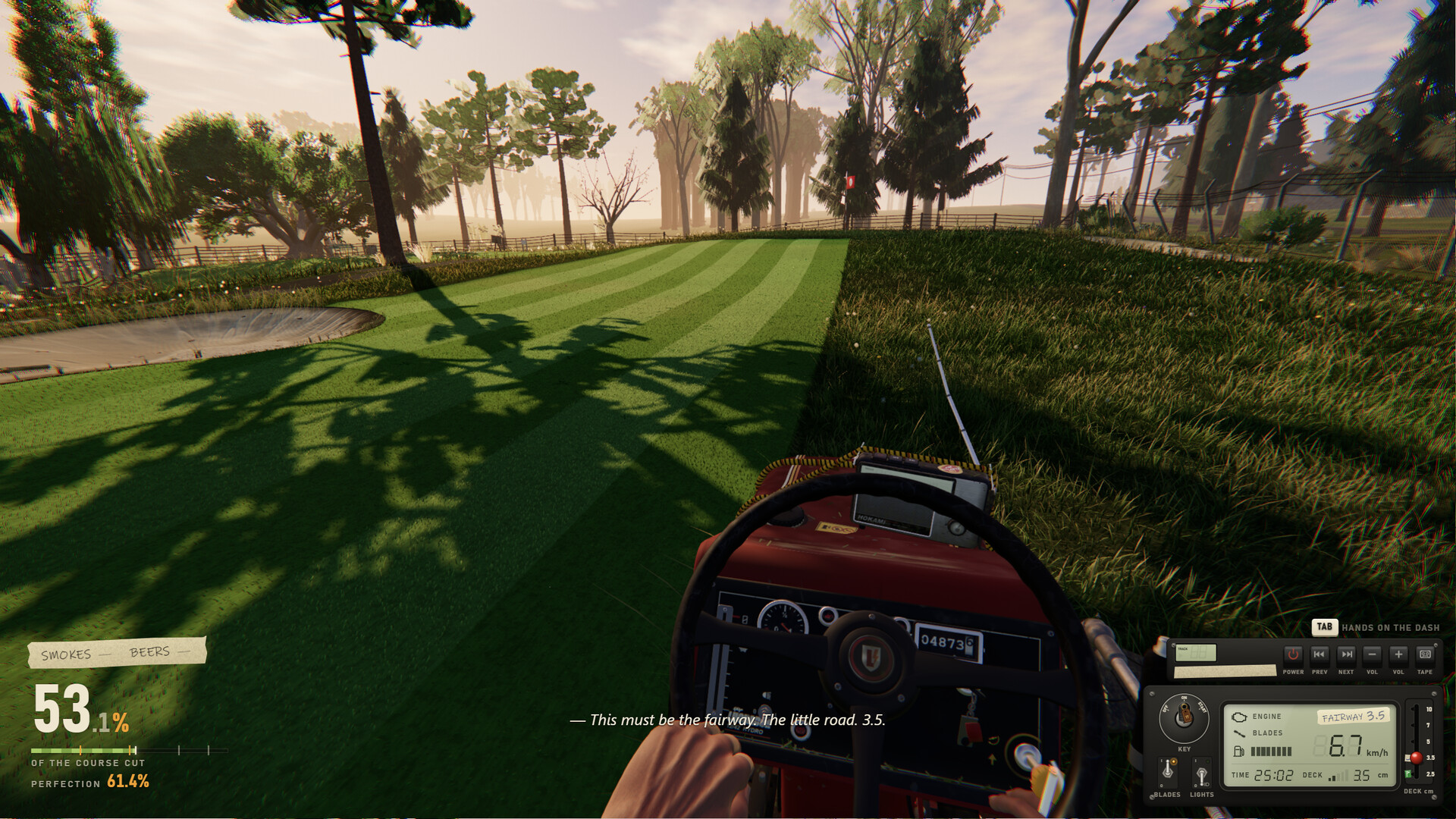
One More Lawn is Superdou's first-person lawn-mowing simulation, where you complete jobs by meeting cutting requirements and avoiding damage to the property. New players can start on Windows through Steam with the free demo or paid full game, beginning in the practice front yard.
Recognize Superdou's mowing game
Superdou develops and publishes One More Lawn, a casual simulation played from the seat of a riding mower. You play a grumpy older man whose work takes him from his own front yard to Elvira's backyard, Rubén's golf course and Marcela's island. Your objective is to deliver a properly finished lawn while respecting what each customer wants.
The riding mower handles the open grass, while the string trimmer lets you finish fence lines and awkward areas around decorations. Customers judge the work you deliver, and Elvira writes comments on her receipt. Plan for the close work as well as the broad mowing passes, so a tidy-looking lawn does not distract you from an unfinished edge.
Choose the demo or full game
The free Steam demo gives you a way to try mowing before buying the full game. Your demo save carries over, including progress in Elvira's backyard. Choose that route if you want to get comfortable with the mower before continuing into the paid release.
| Starting point | What to choose it for |
|---|---|
| Free demo for Windows PCs | Try the opening mowing experience through Steam, with a save that can continue into the full game. |
| Paid full game on Steam | Continue through the customer jobs, including Rubén's golf course and Marcela's wedding island, and explore the map editor and Steam Workshop. |
Check your PC before installing
Check the Windows requirements on the Steam page before installing. The listed minimum includes Windows 10 64-bit, 8 GB of RAM and 2 GB of available storage. Compare the complete requirement list with your PC, including its processor and graphics card.
Get from Steam to your opening yard
- Open One More Lawn's Steam page to find the Windows game developed by Superdou.
- Choose the free demo or paid full game on the Steam page, depending on whether you want to try mowing or begin the full release.
- Install your chosen Steam version so you can launch the game on your Windows PC.
- Begin in your own practice front yard to become familiar with driving and the mower's physical controls.
- Complete the practice yard before tackling Elvira's backyard, where meeting the customer's requirements becomes your next focus.
Choose solo mowing or a shared lawn
Single-player is available if you want to learn without coordinating with anyone else. Online co-op supports up to 6 players on the same lawn, each with their own mower. Friends can join through a Steam invite or a 6-digit code, and proximity voice chat supports nearby conversation.
Keep Steam running and signed in for online co-op. Agree on the session's priorities before everyone spreads out across the property. Give yourself room to learn the mower comfortably, then divide the work according to how confident everyone feels.
Find a comfortable setup and more lawns
Supported controls include mouse and keyboard, a gamepad, or a steering wheel and pedals with force feedback. Keyboard, mouse and controller buttons can be remapped under Options > Controls > Keys and Buttons; wheel buttons are handled under Wheel and Pedals. Choose a setup that feels comfortable while you look around the mower and steer through the property.
When you want another lawn to tackle, the built-in map editor lets you shape terrain, place objects and mow the result through Test Drive. Steam Workshop support lets you share your maps and play community creations. Start with a layout you can easily read before experimenting with tighter spaces and more obstacles.
Choose the guide for your next task
Use the gameplay guide for help with the engine, blade switch, deck height, fuel and grass bags. Follow its route when you want to finish the practice yard and progress through the customer jobs. Keep the instructions close when a particular control or unfinished corner is holding up your mowing.
Use the soundtrack guide for the mower radio, music outside the game and custom audio with friends. Superdou permits the built-in radio music in streams and videos, including monetized ones. Check the guide's Streamer Mode advice before bringing player-loaded music into a recording.